A playful way to learn vocabulary and spelling
For my CIID graduation project, I built an educational video game where children guide an Oddball from birth to adulthood, creating a unique character and story with every playthrough. Along the way, they practice spelling and grow their vocabulary.

Organization
CIID (Masters program)
Timelimne
2014 (9 weeks)
Role
Interaction Designer
Scope
Creative Coding • UI/UX
Goal
Defining the brief is part of the final project at CIID. Rather than starting from a defined problem, I used the opportunity to explore my interests in generative design, ed-tech, and interactive storytelling.
A generative educational game
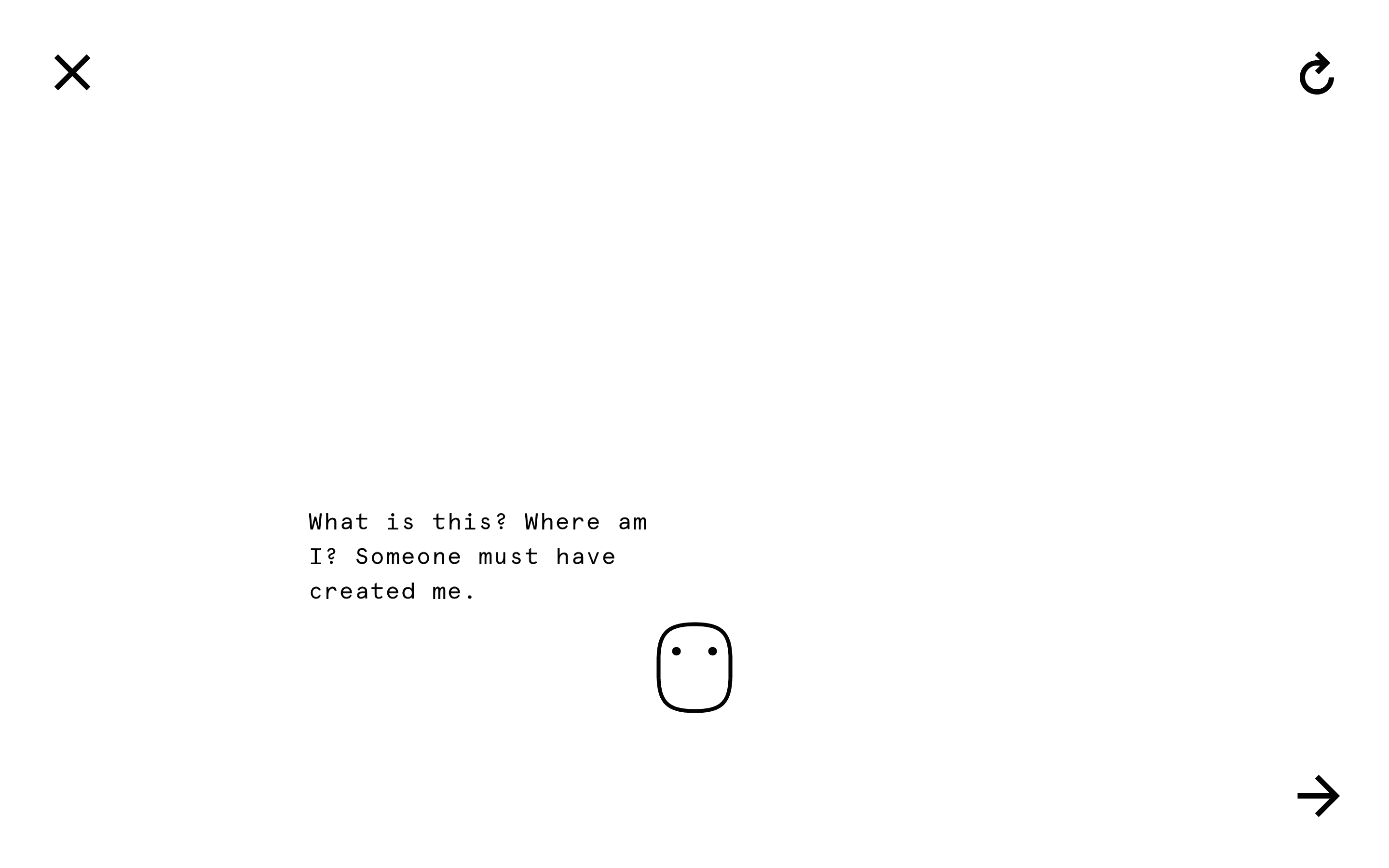
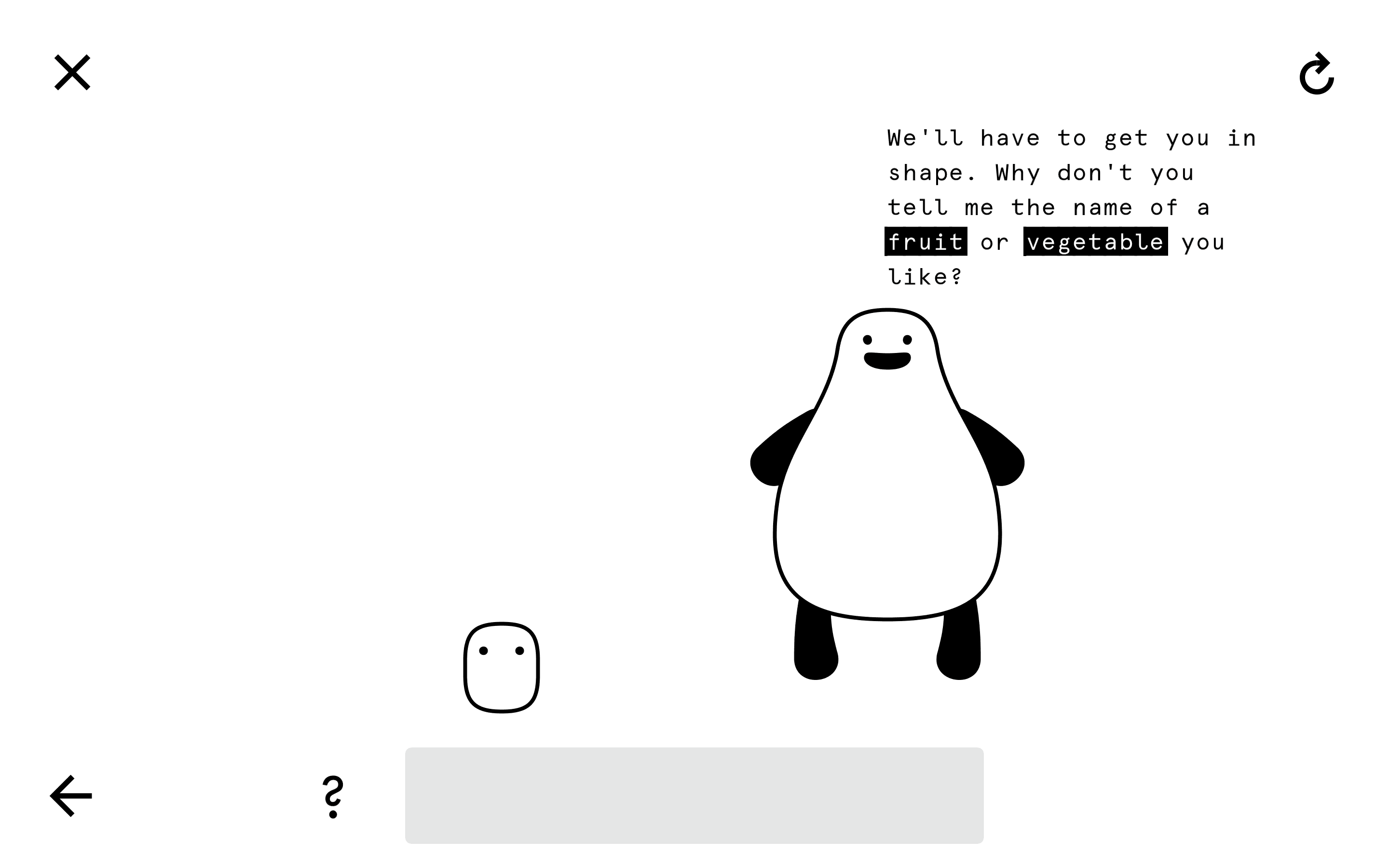
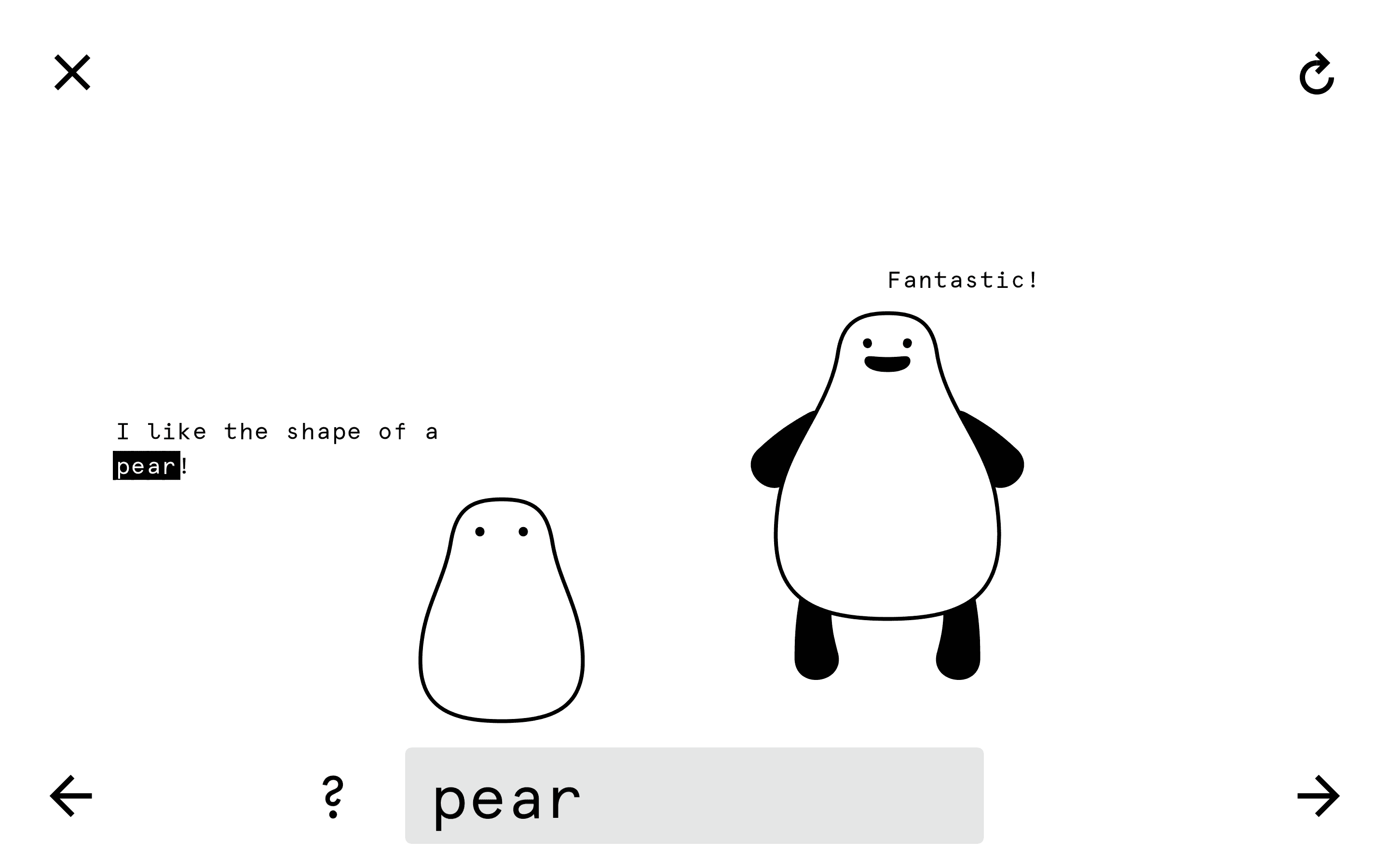
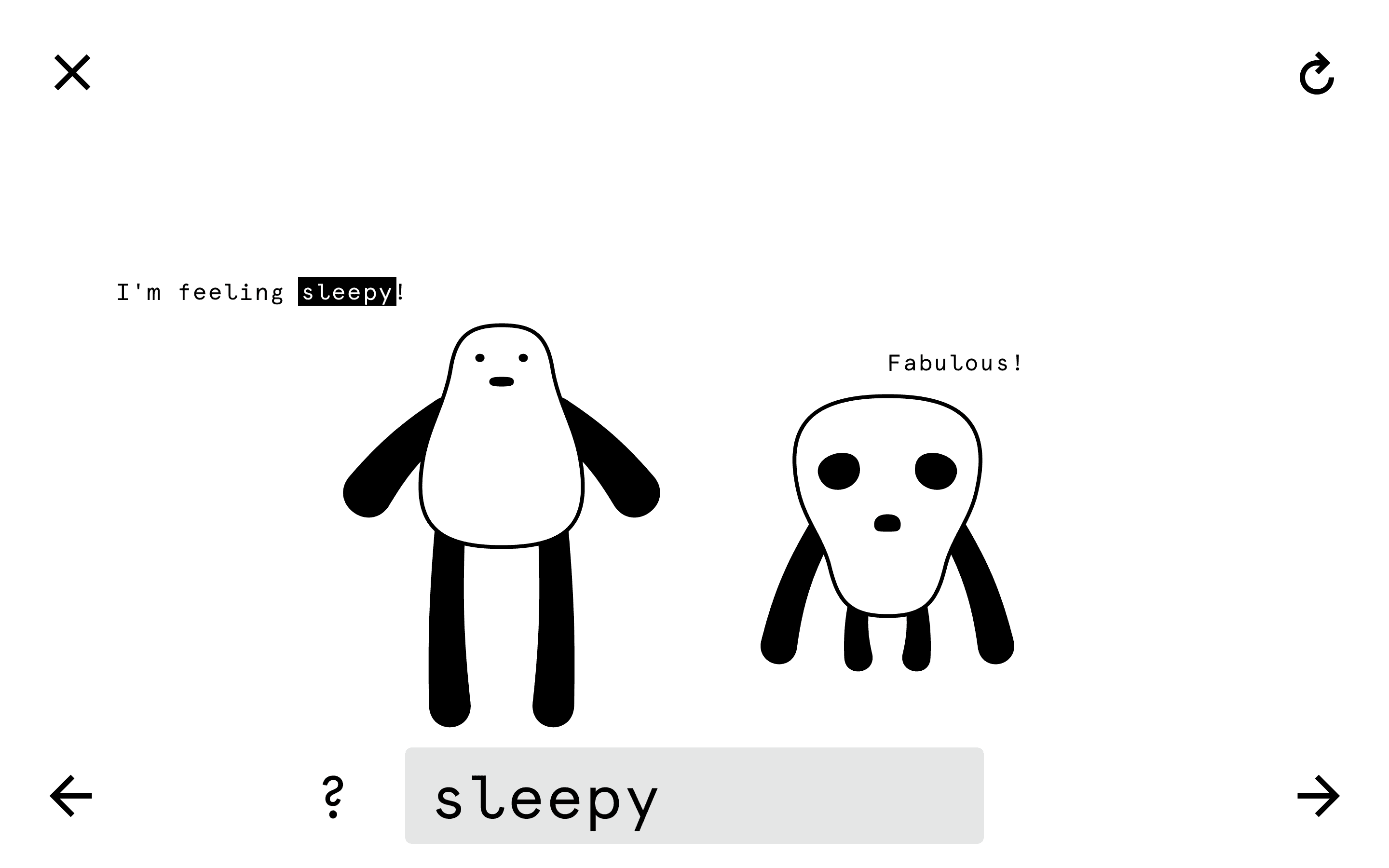
Oddballs is an educational game for elementary school kids. Players guide an Oddball from birth to adulthood, evolving its appearance and personality. Thanks to its generative nature, every playthrough creates a unique character and story.
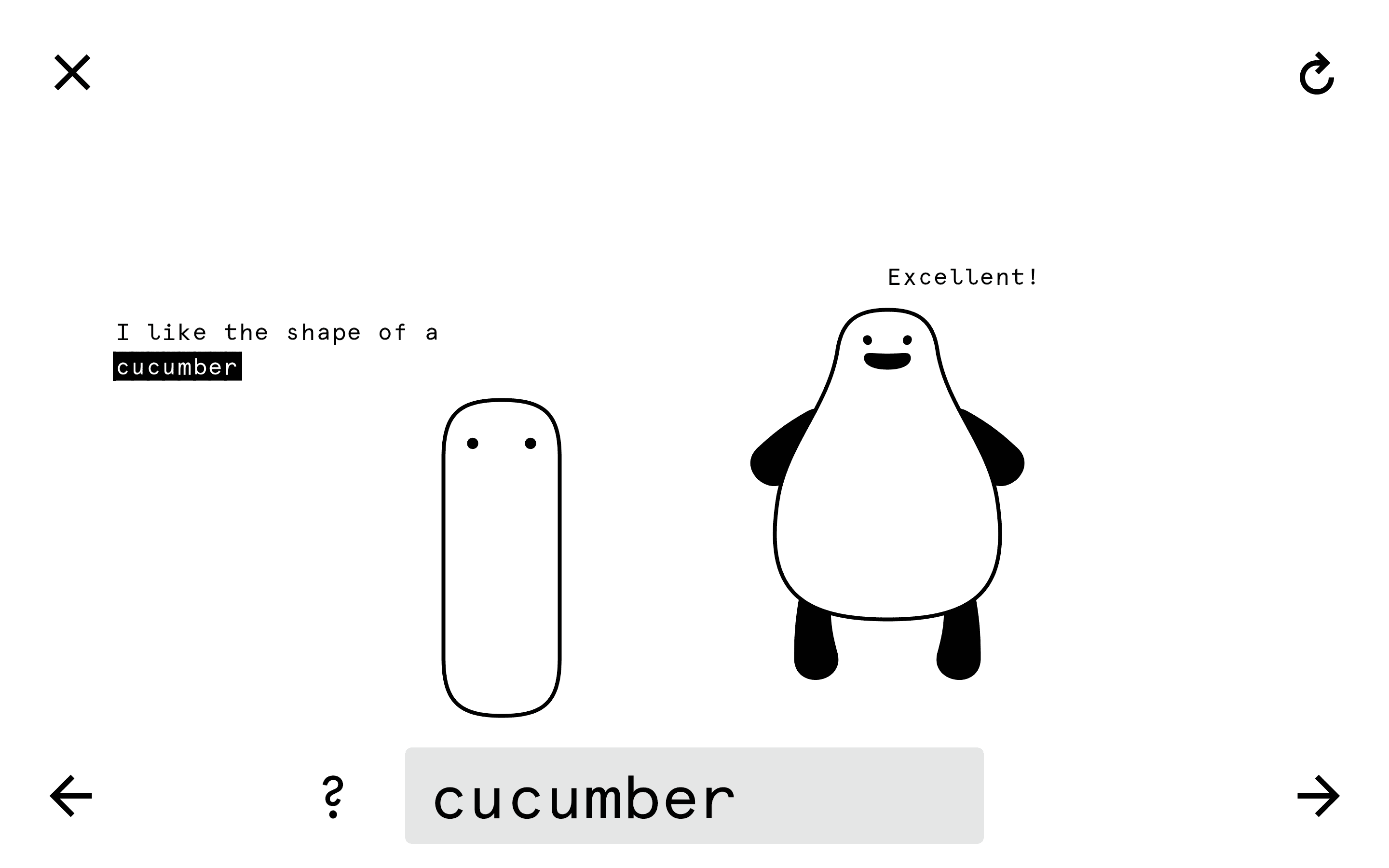
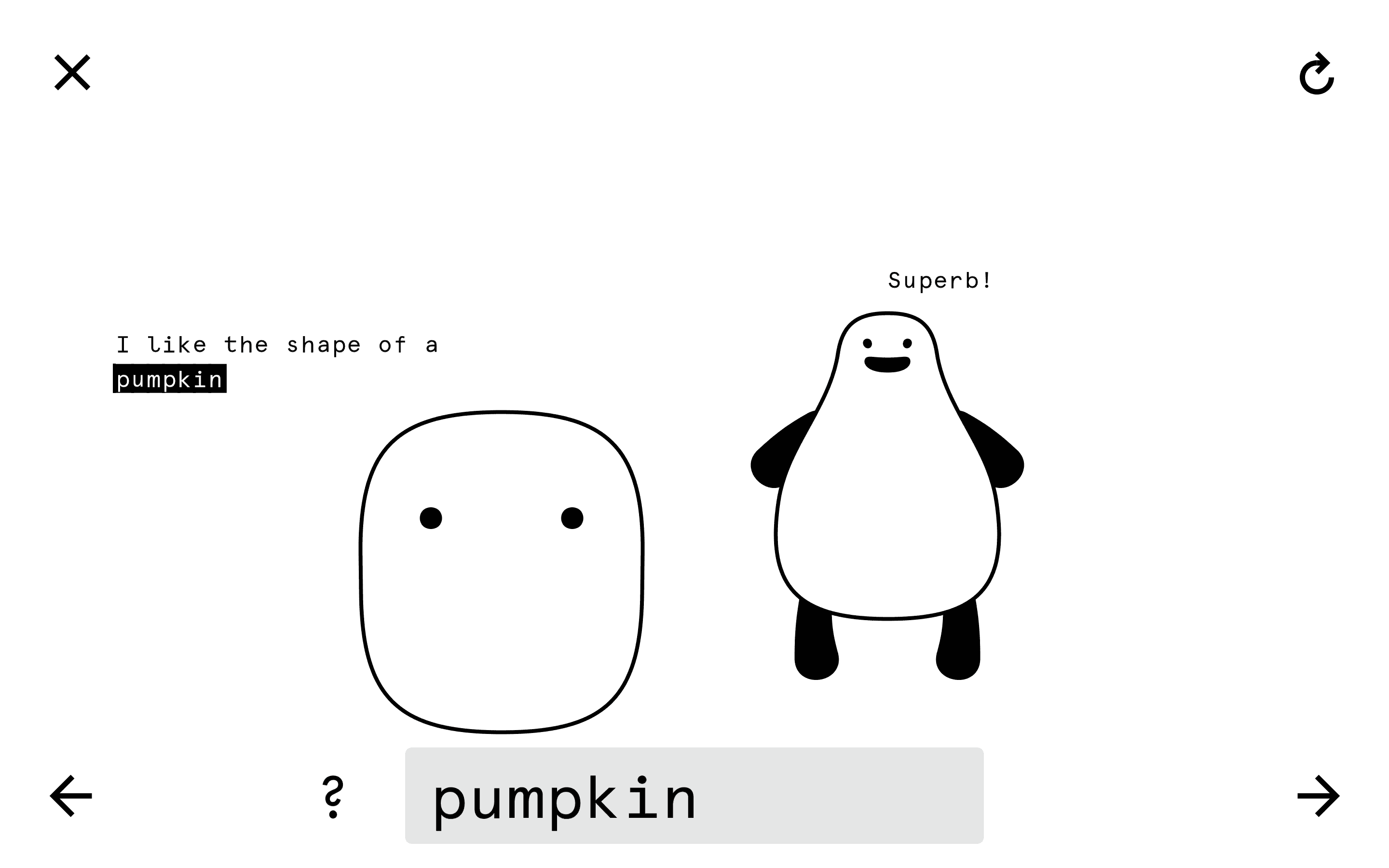
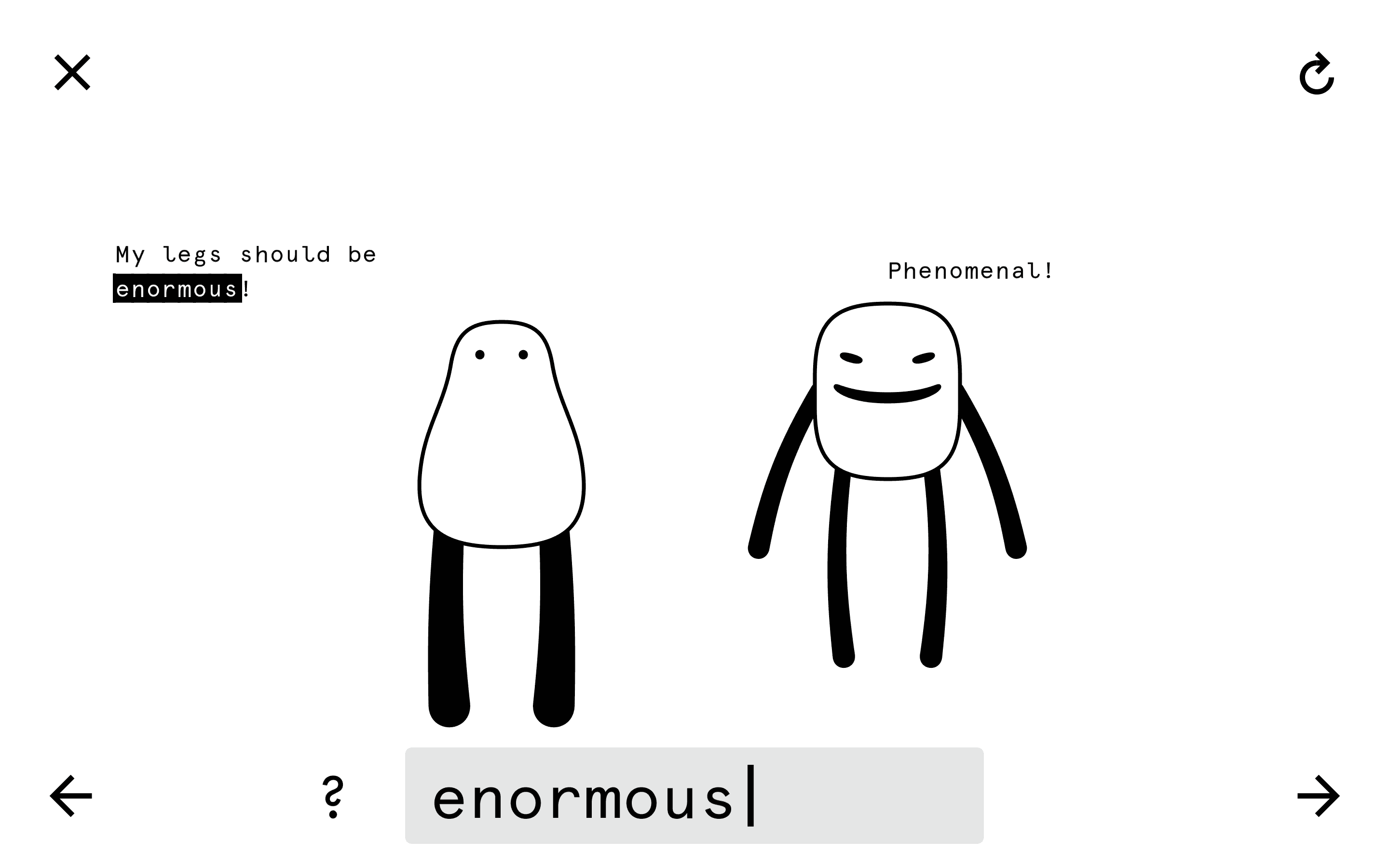
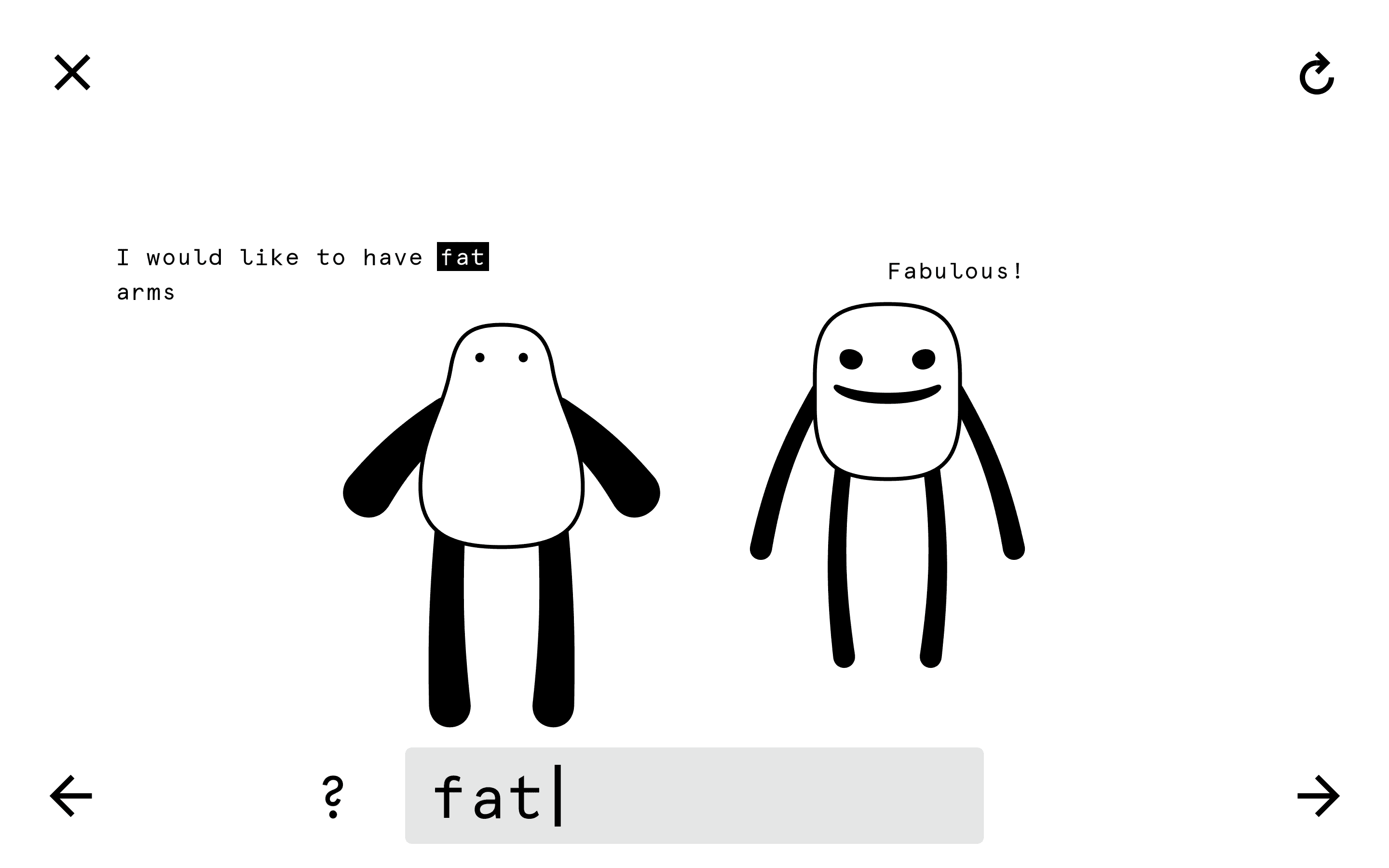
By typing words, players shape the Oddball’s body: fruits and vegetables define its form, adjectives determine its limbs, and feelings set its mood. This interaction subtly teaches correct spelling, while the drive to discover new traits encourages children to expand their vocabulary.
Desk research
When I started this project, most interactive storybooks felt like analog stories ported to screens with a few mini-games—barely scratching the medium’s potential. To test this hypothesis, I benchmarked educational games, visited a children’s book fair, and interviewed a professional illustrator.
Rapid prototyping
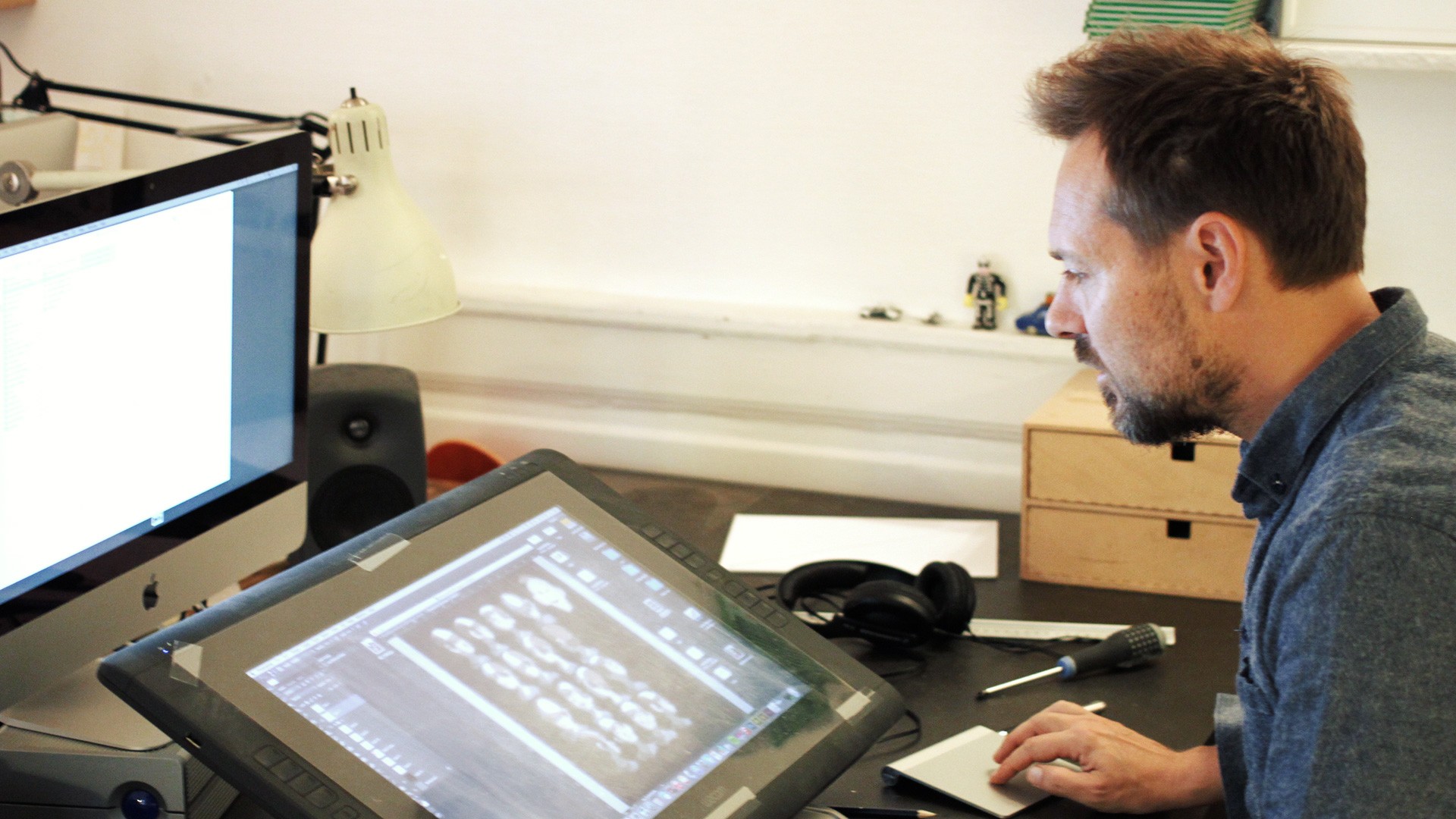
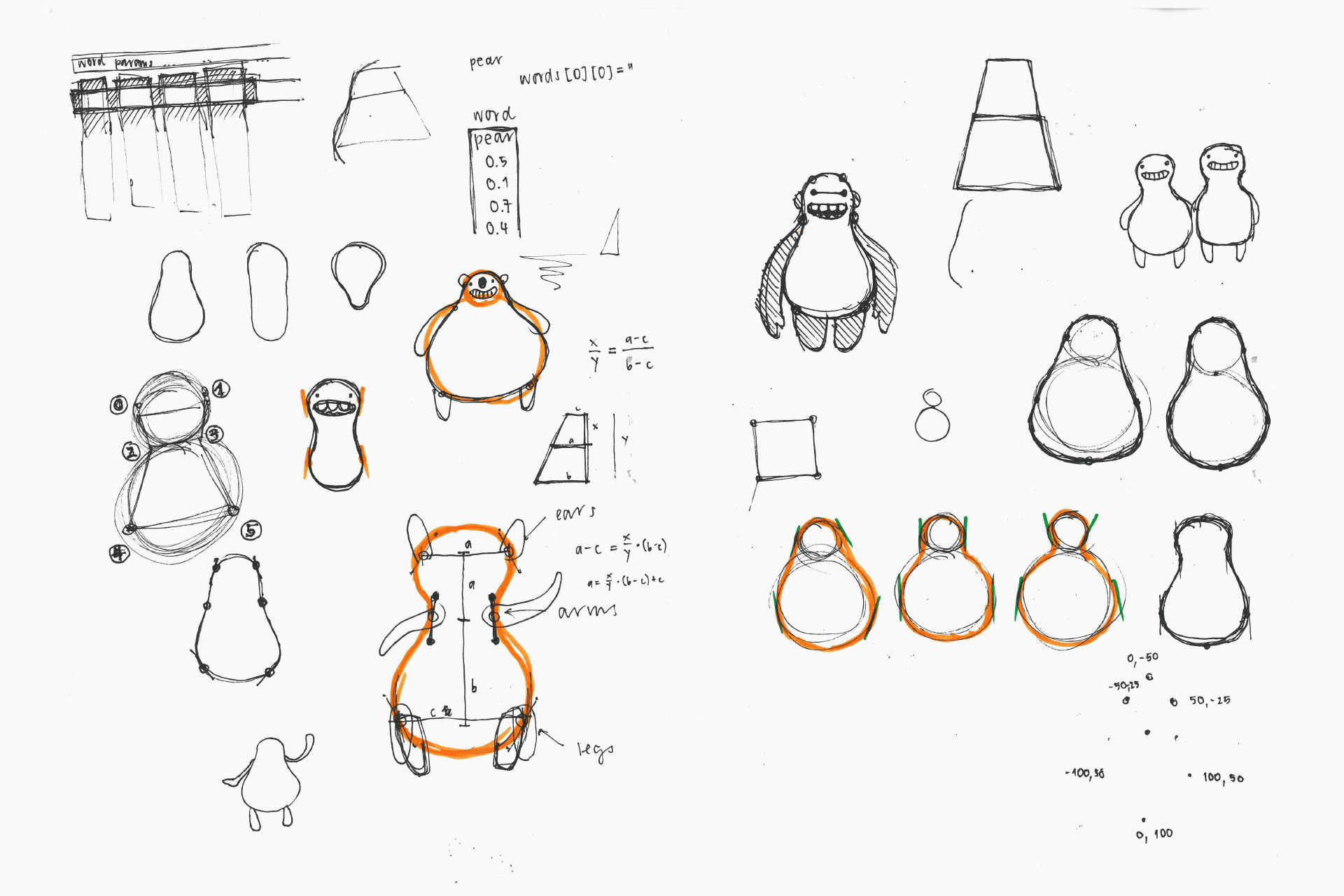
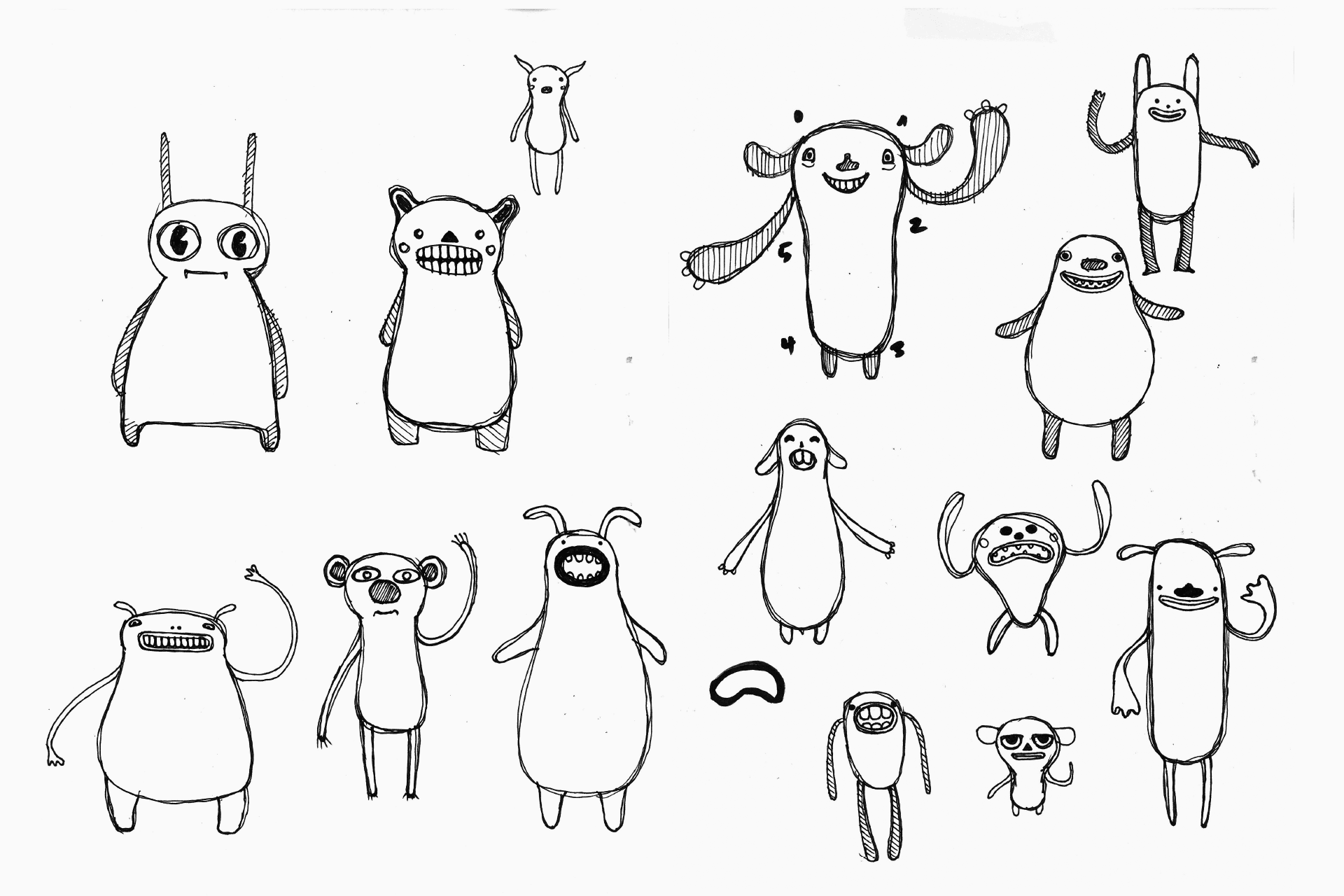
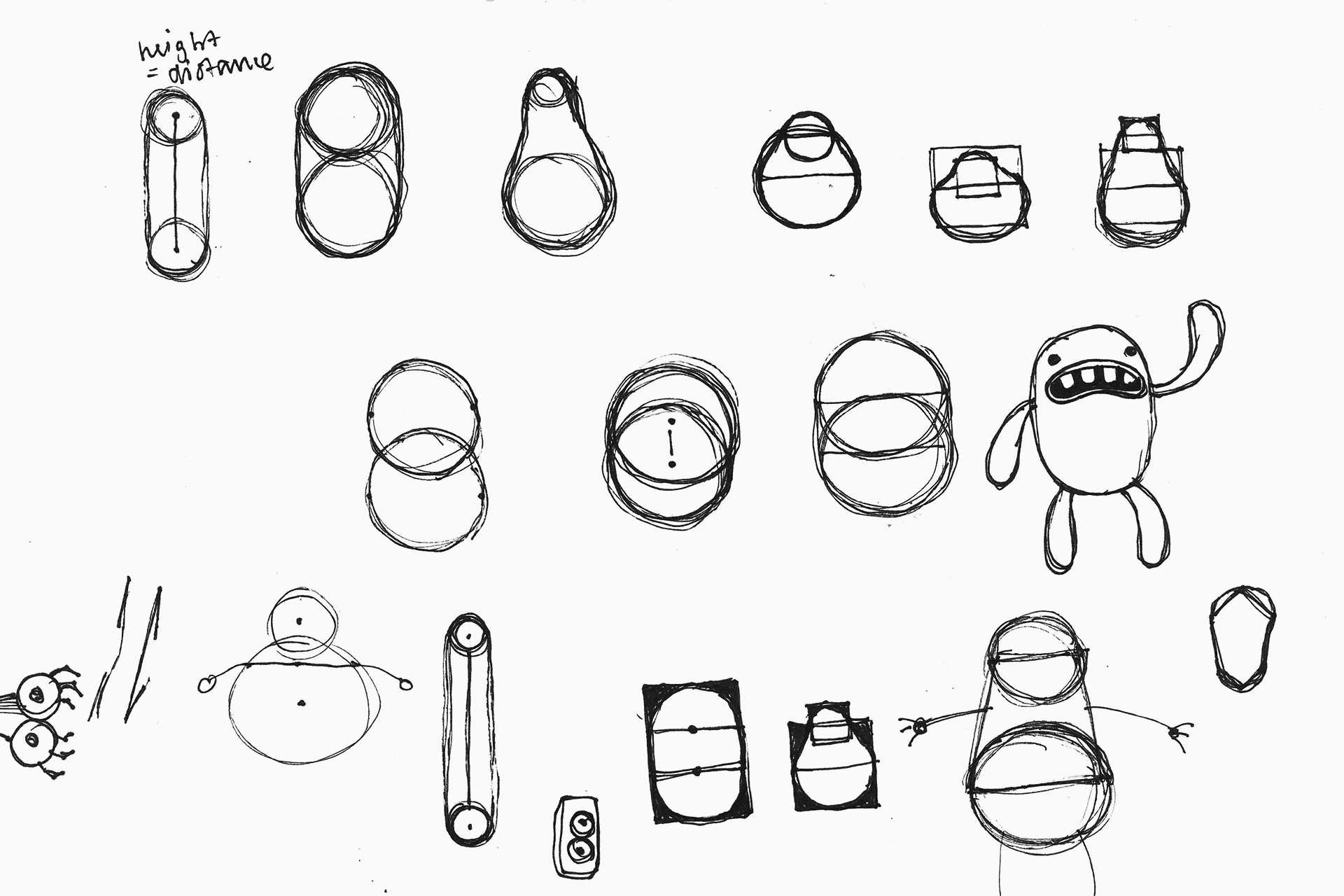
I embraced rapid prototyping to quickly generate and evolve ideas. Exploring characters as modular systems, I analyzed cartoon figures and deconstructed them into parts.
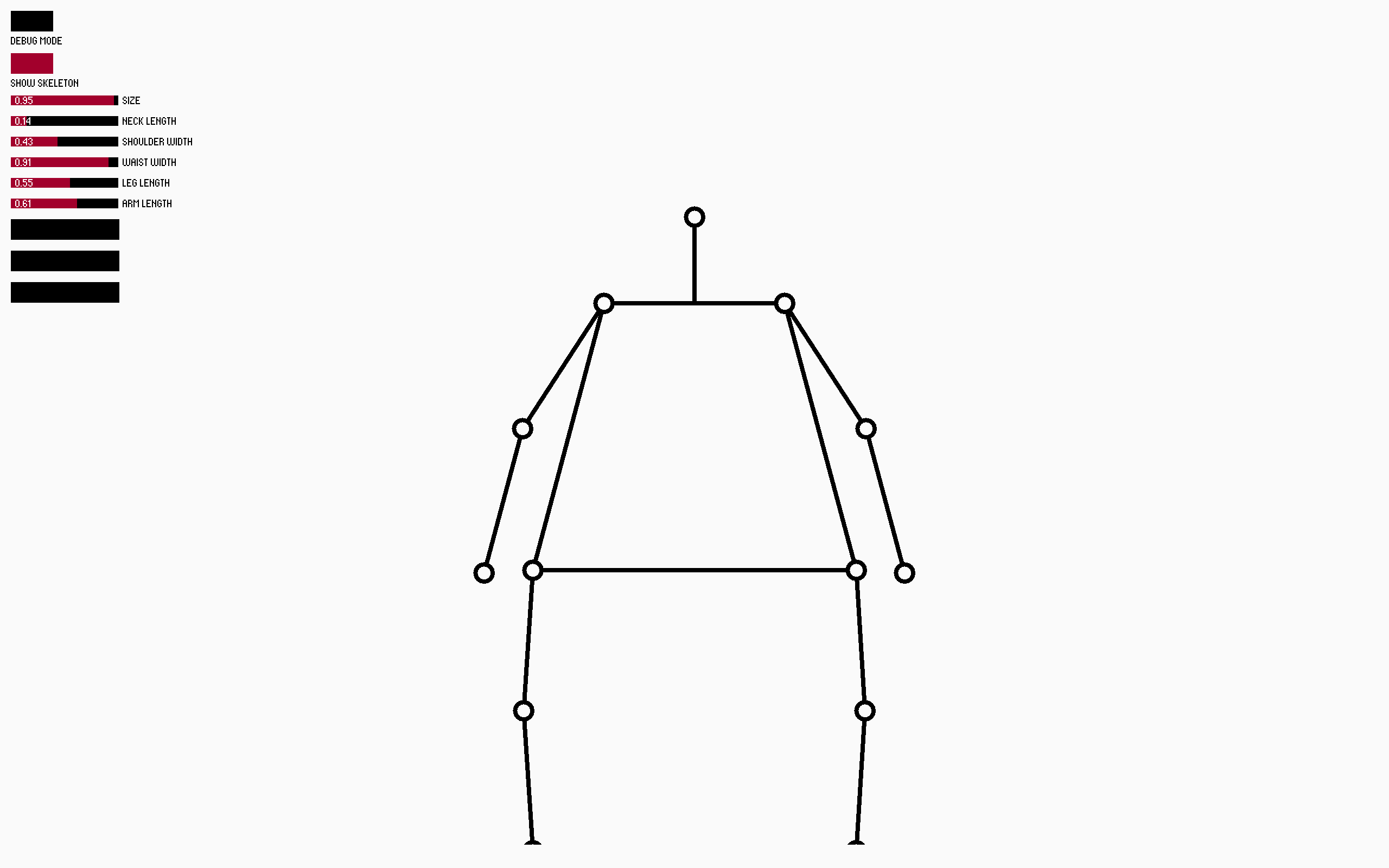
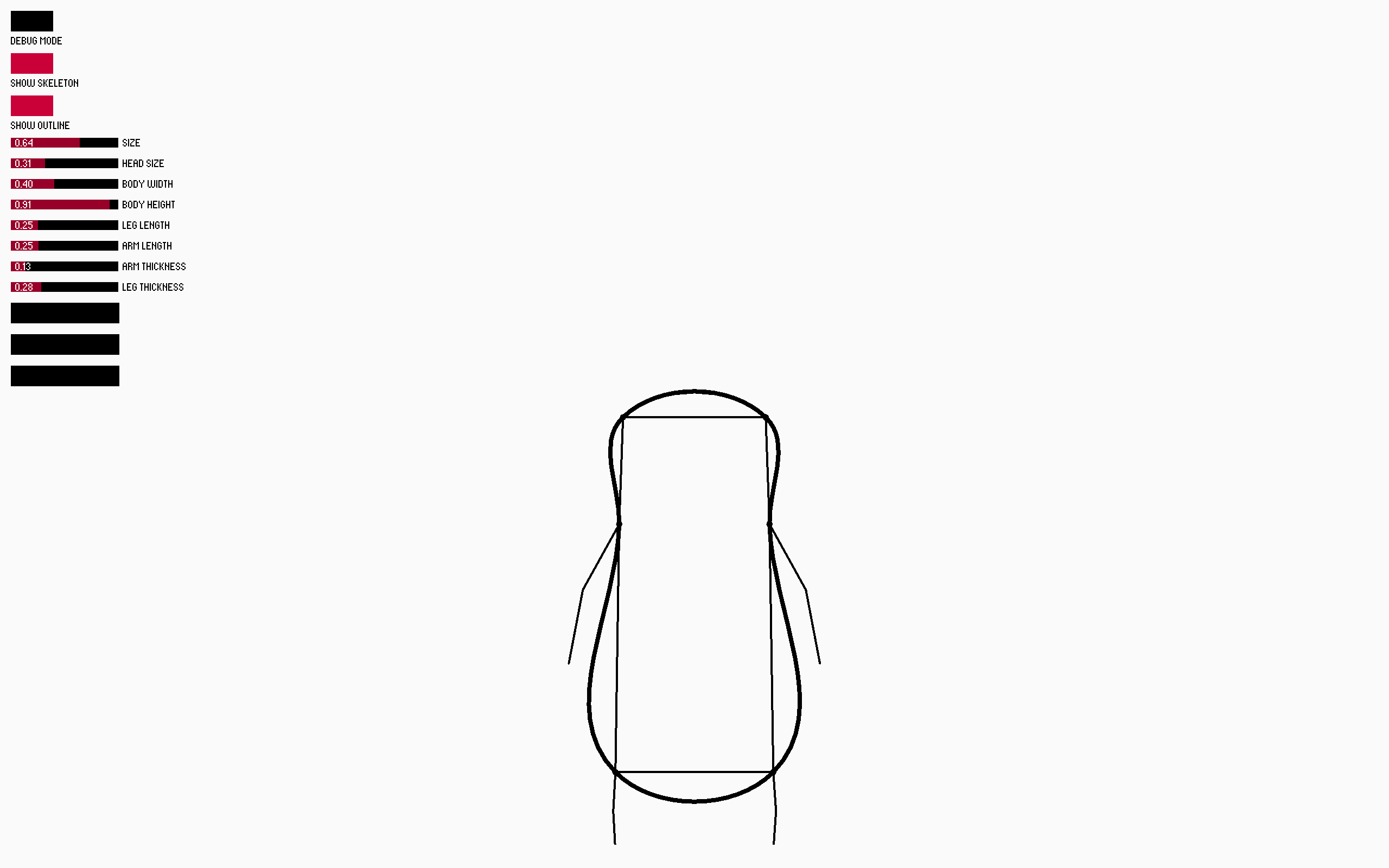
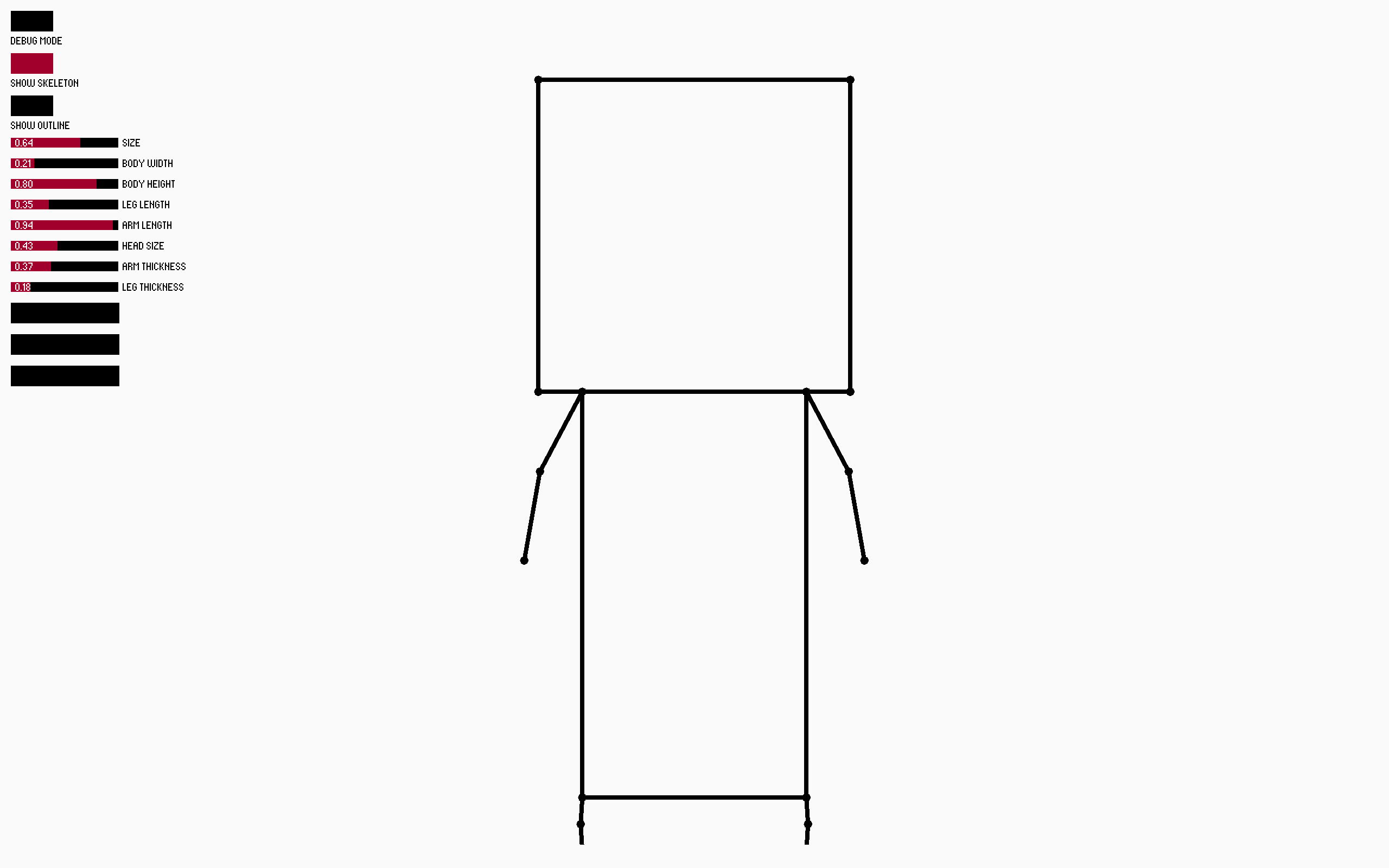
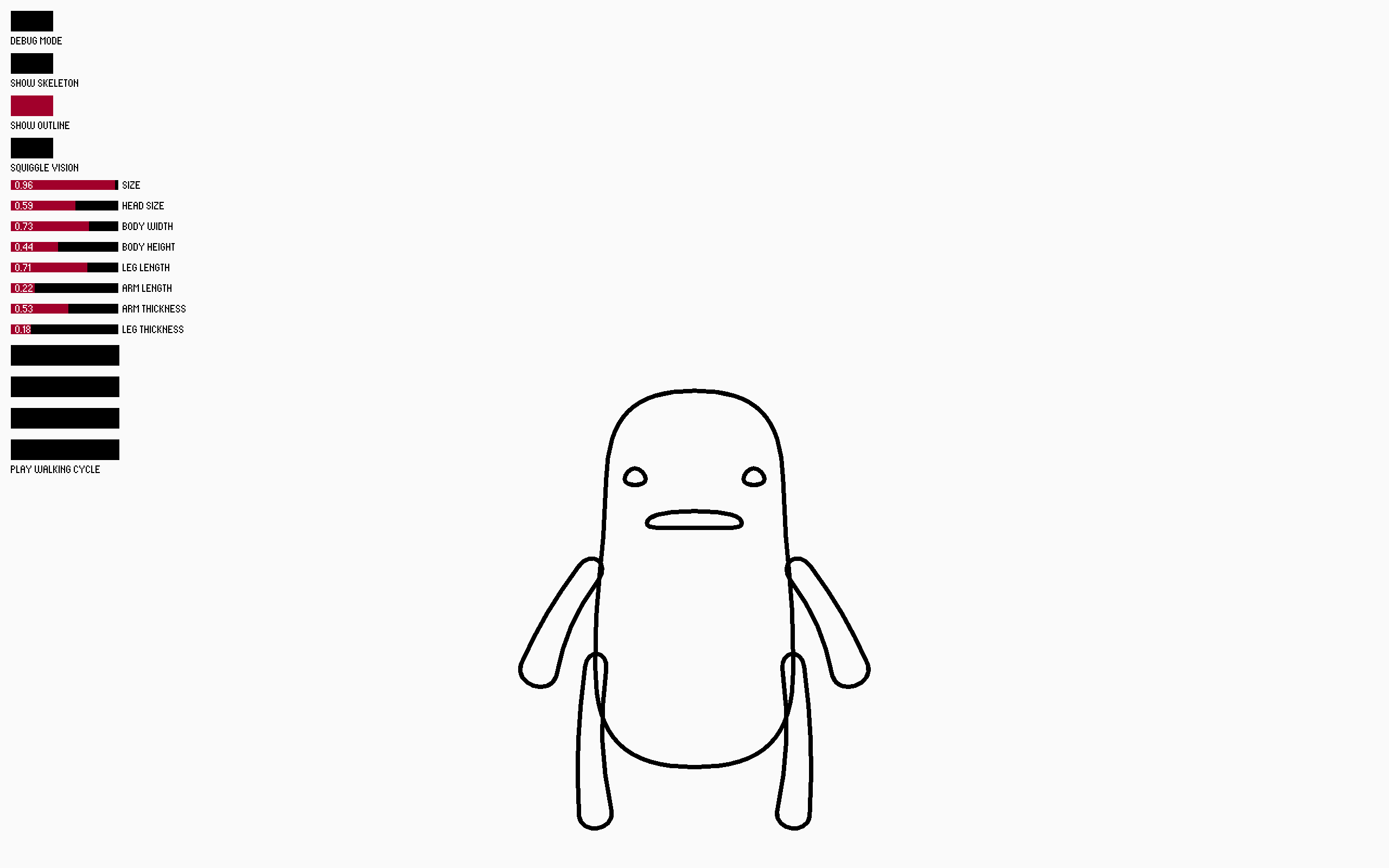
Using Processing, I built a generative character generator powered by an invisible skeleton. This structure defined how each character was drawn, moved, and animated, with parameters editable through simple UI sliders. An early feature—a “randomize” button with smooth transitions between states—turned out to be so fun that I knew I was on the right track.
User testing
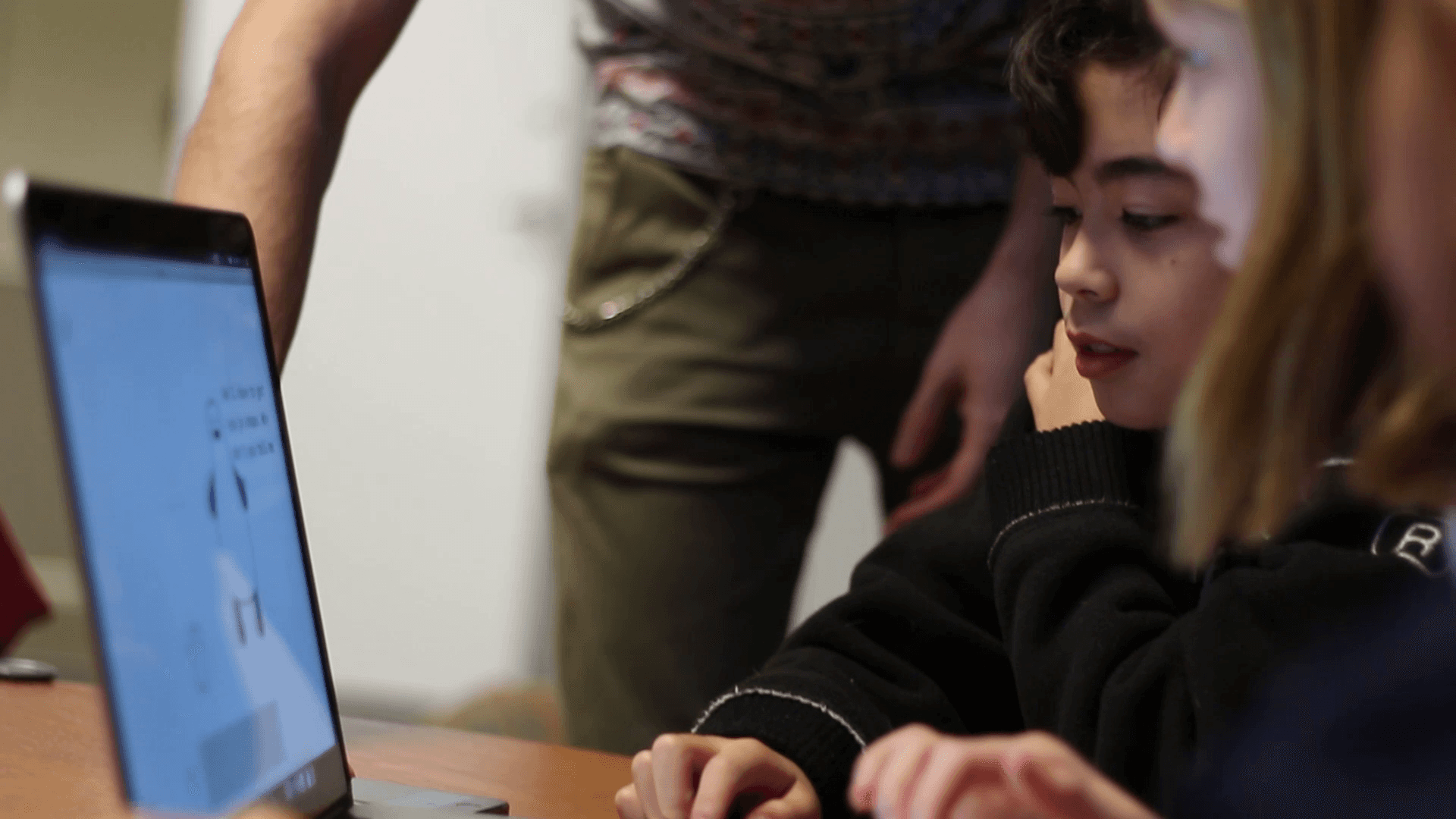
From the very beginning, I put my prototypes to the test—first with classmates and later with three children from Bjørns International School. When the kids pointed out the lack of an overarching narrative and non-player characters, I developed a story that embraced character customization and introduced text fields as the main interface. Behind the scenes, inputs were mapped to skeleton parameters and managed through a CSV file, making the system easy to extend.
Tool building
To support storytelling, I built a lightweight video editor that let me script character movements, parameter changes, and speech, then render them as clips. It became a key tool for producing communication materials for the final presentation and beyond.